
Public Links: Share Content on Your Terms
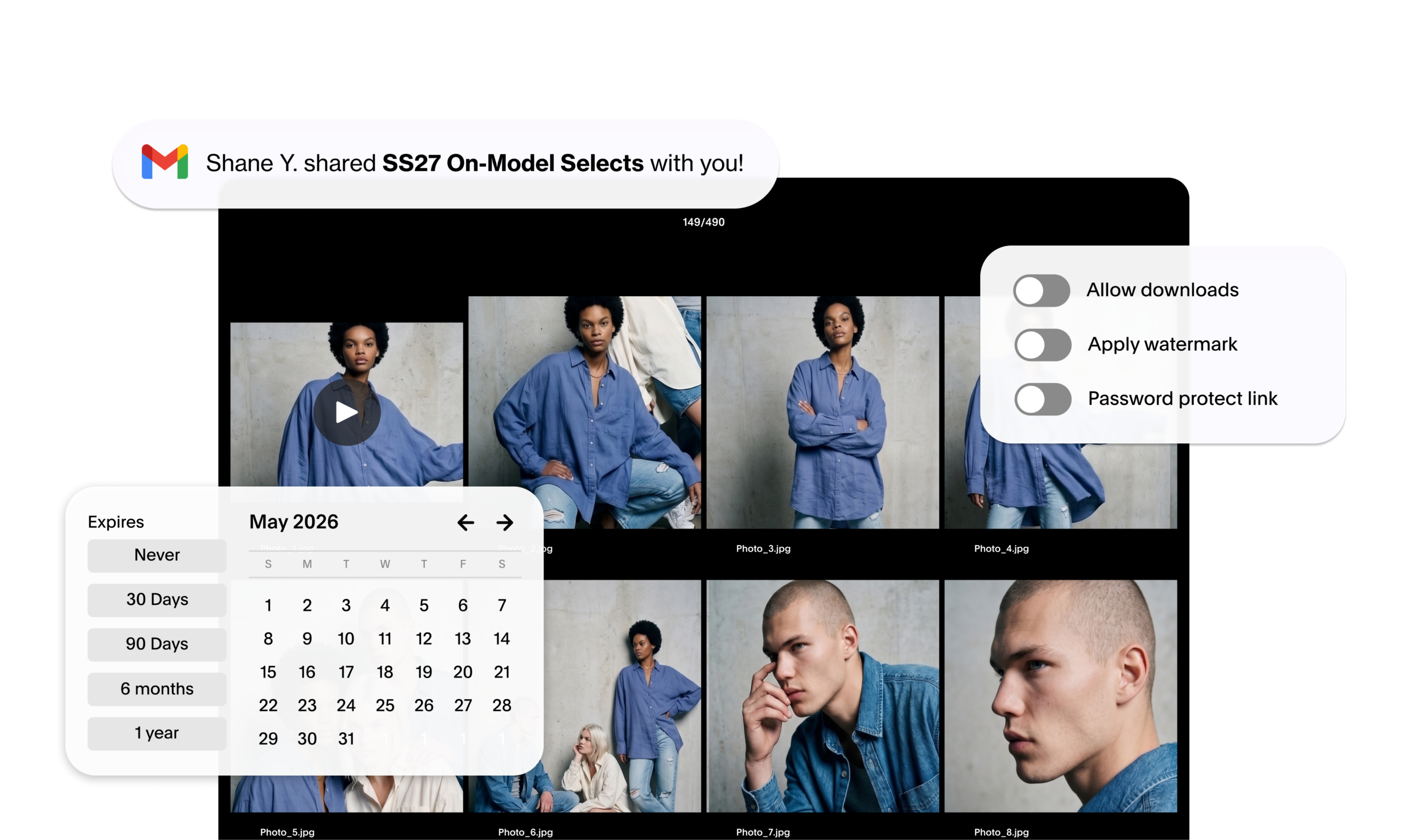
One of the most frequently used features in Globaledit is Public Links, which allow teams to share content externally with anyone to view, review, and download without requiring them to have a Globaledit account themselves. It’s a crucial part of many of our users’ daily workflows, and they just got more powerful. Here’s everything you can do with them, and what’s new.
Popular use cases
Whether you’re in brand, creative, marketing, or asset management, Public Links handle the most common external sharing scenarios teams deal with every day:
- Agencies & partners: Share approved assets for campaigns without giving full workspace access.
- Retailers & distributors: Distribute product imagery and brand assets to wholesale or retail partners.
- Talent & production: Get selects or approved content to cast, crew, talent, and management instantly.
- Press & media: Send curated hi-res collections to PR contacts.
- Regional team: Route localized assets to regional or international teams without complex permissions.
- Internal stakeholders: Quick-share with executives or cross-functional teams who don’t need full access.
What you can do today
Public Links come with several controls that let you share content securely, including:
- Custom names: Label your links to provide clear context.
- Expiration dates: set a link to stop working after a specific date, so external access doesn’t stay open indefinitely.
- Password protection: Ensure only the right people can view what you’ve shared.
We’ve added new improvements to make Public Links even more customizable by need:
- Allow or disable downloads: Give recipients view-only access to unfinished, non-final, or confidential work.
- Watermarking: Optionally apply a watermark to assets included in the public link, whether they’re viewed in-browser or downloaded.
Why this matters
Effective collaboration is at the heart of every creative production process. Whether you’re handing off unreleased campaign imagery to an agency, sharing rough footage with a production partner, or sending selects to a retailer, you’ll have full control over exactly how those assets can be accessed and used. This is the first phase of a broader suite of improvements to how Globaledit enables external collaboration. Stay tuned for more updates to come!